Xender vs Feem: Your Best Offline File Sharing App?
Xender vs Feem: Sharing files should be fast, easy, and stress-free.
Sending photos, videos, documents, apps, or entire folders—nobody likes waiting longer for uploads or wasting extra mobile data. Don’t worry; the solution is offline file-sharing apps.
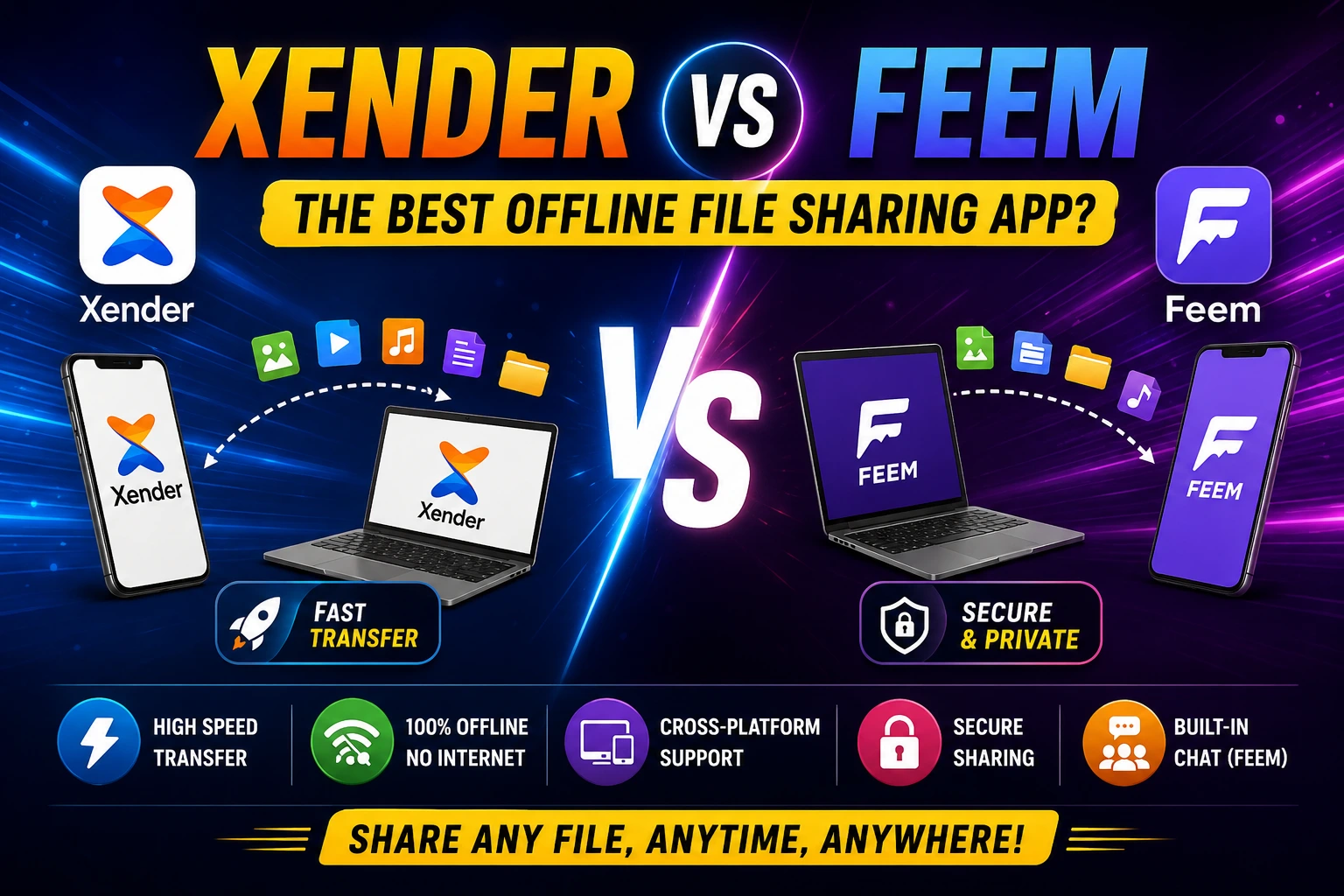
Two popular apps that often appear in search results are Xender and Feem.
Both are famous among users for transferring files without cables. Both support multiple devices. But they are built for different types of users.
If you’re confused which app is better for your phone or computer, this simple comparison will help you choose the right one.
Quick Comparison: Xender vs Feem
| Feature | Xender | Feem |
|---|---|---|
| Offline Transfer | Yes | Yes |
| Internet Required | No | No |
| Android Support | Yes | Yes |
| iPhone Support | Yes | Yes |
| Windows Support | Yes | Yes |
| Mac Support | Yes | Yes |
| Linux Support | Limited | Yes |
| Transfer Speed | Very Fast | Fast |
| Ease of Use | Excellent | Good |
| Built-in Chat | No | Yes |
| Phone Replication | Yes | No |
| Best For | Everyday Users | Teams & Offices |
Xender vs. Feem: Which One People Love?
Why People Love Xender
✅ Fast file transfers
✅ No internet required
✅ Easy for beginners
✅ Share apps directly
✅ Supports multiple platforms
✅ Transfer large files quickly
✅ Phone-to-phone data migration
Why People Choose Feem
✅ Works without internet
✅ Built-in messaging feature
✅ Strong privacy focus
✅ Supports Windows, Linux, Mac, Android, and iPhone
✅ Good for office and team sharing
Xender vs Feem: Detailed Comparison
1. Transfer Speed
When sharing large videos or apps, speed matters.
Xender is designed for high-speed transfers between devices. Large files move quickly, making it a favorite among students, families, and everyday users.
Feem also delivers reliable performance. However, it focuses more on stability and secure sharing than raw speed.
Winner: Xender 🏆
For most users, Xender feels faster and smoother.
2. Ease of Use
A file-sharing app should be simple.
Xender offers a clean interface that almost anyone can understand within minutes.
Feem has more settings and options. While useful for advanced users, it may be slightly less straightforward for beginners.
Winner: Xender 🏆
If you want simplicity, Xender wins.
3. Device Compatibility
Both apps support major operating systems.
Xender Supports
- Android
- iPhone
- Windows
- Mac
Feem Supports
- Android
- iPhone
- Windows
- Mac
- Linux
Winner: Feem 🏆
Linux users get better support with Feem.
4. Security and Privacy
Privacy matters when sharing personal files.
Feem focuses heavily on secure local transfers. Files stay within your network, helping reduce exposure to outside servers.
Xender also transfers files directly between devices. However, Feem offers a stronger privacy-focused experience.
Winner: Feem 🏆
For privacy-conscious users, Feem has an advantage.
5. Features and Tools
Let’s compare what you actually get.
Xender Features
- File transfer
- App sharing
- Phone replication
- Media management
- Large file support
- Cross-platform sharing
Feem Features
- File transfer
- Built-in chat
- Group sharing
- Secure local transfers
- Cross-platform support
Winner: Xender 🏆
Most users will benefit more from Xender’s extra tools.
6. Best for Students
Students frequently share:
- Notes
- PDFs
- Assignments
- Videos
- Presentations
Xender makes these tasks quick and easy.
Winner: Xender 🏆
7. Best for Business Teams
Feem includes messaging and collaboration features.
Teams working on the same network may find these tools useful.
Winner: Feem 🏆
Xender Pros and Cons
Pros
✔ Very fast transfers
✔ Beginner-friendly
✔ No internet required
✔ Supports large files
✔ Easy device migration
✔ Popular worldwide
Cons
✘ Fewer collaboration features
Feem Pros and Cons
Pros
✔ Strong privacy
✔ Built-in chat
✔ Linux support
✔ Good for teams
✔ Stable transfers
Cons
✘ Interface can feel more technical
✘ Not as beginner-friendly
When Should You Choose Xender?
Choose Xender if:
- You want the fastest transfers.
- You share files every day.
- You need phone-to-phone migration.
- You want a simple app.
- You transfer large videos and apps.
When Should You Choose Feem?
Choose Feem if:
- Privacy is your main concern.
- You use Linux.
- You work in a team environment.
- You want built-in messaging.
- You regularly share files on local networks.
Final Verdict: Xender vs Feem
Both apps are excellent.
However, they serve different users.
If you want speed, simplicity, and convenience, Xender is the better choice for most people.
It is easy to learn, works across multiple devices, and handles large files with ease.
If your focus is privacy, team collaboration, and secure local sharing, Feem is worth considering.
Overall Winner: Xender 🏆
For students, families, everyday users, content creators, and anyone who wants quick offline file sharing, Xender delivers the best all-around experience.
Frequently Asked Questions
Is Xender faster than Feem?
Yes. In most everyday situations, Xender provides faster file transfers, especially for large videos and apps.
Does Feem need the internet?
No. Feem can transfer files over a local network without internet access.
Which app is more secure?
Feem focuses more on privacy and secure local sharing.
Can Xender transfer files between phones and computers?
Yes. Xender supports Android, iPhone, Windows, and Mac devices.
What is the best offline file-sharing app?
For most users, Xender is one of the best offline file-sharing apps because it combines speed, ease of use, and cross-platform support.
Why Xender Remains a Favorite in 2026
Technology changes quickly, but users still want one thing: fast and easy file sharing.
Xender remains a trusted choice because it lets people transfer files in seconds without complicated settings, cables, or internet connections.
If your goal is simple, reliable, and high-speed file sharing, Xender remains one of the strongest options available today.
Learn more: Xender vs Dukto, Xender vs SuperBeam
“`html “`