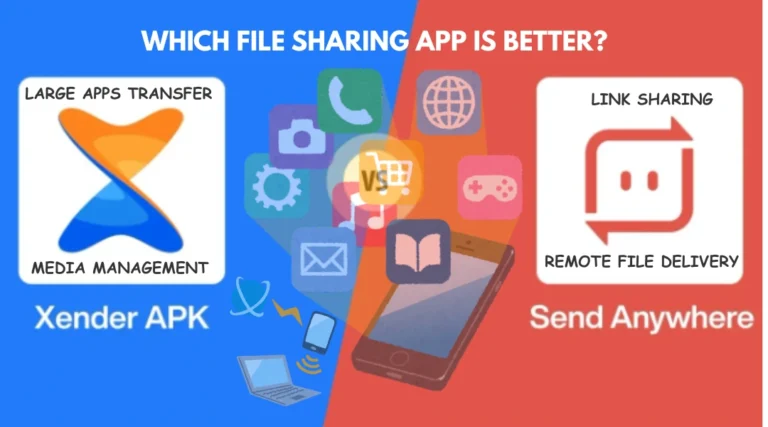
Xender vs SuperBeam (2026): Which File Sharing App Is Better?
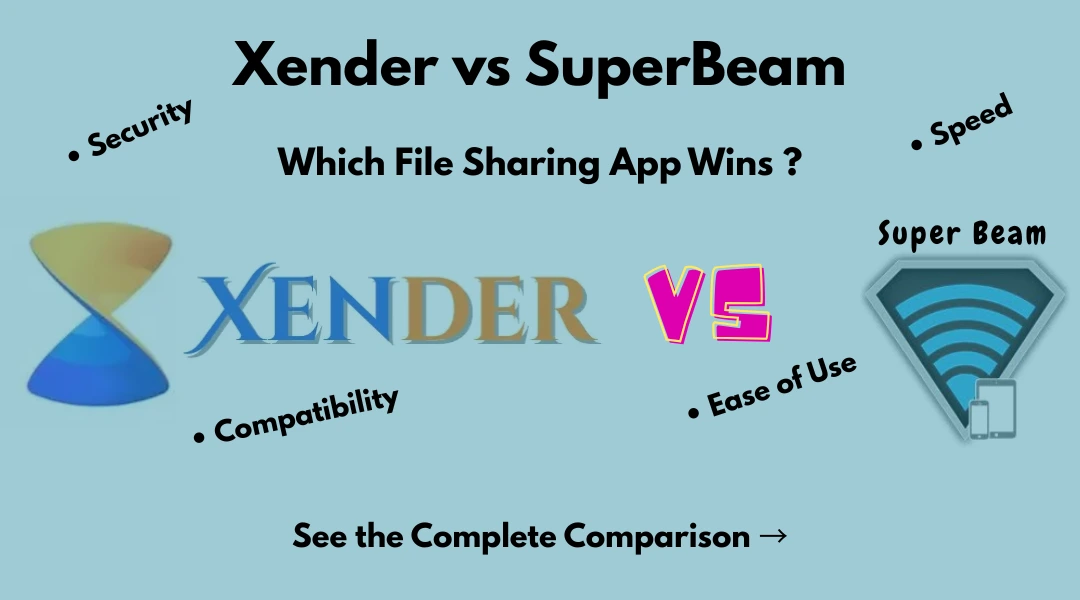
Confused about choosing between Xender vs SuperBeam for sharing photos, videos, apps, and other large files? Both apps let you transfer files wirelessly without using mobile data, cables, or Bluetooth, making them popular choices for fast file sharing.
While Xender and SuperBeam offer similar transfer speeds, they differ in areas such as ease of use, device compatibility, security features, and connection methods. In this comparison, we’ll break down the key differences to help you decide which app is the better fit for your needs.
Quick Expert Opinion
If you want a simple app that works across many devices, choose Xender.
If you care more about security features like QR code pairing and password protection, SuperBeam may be the better option.
For most everyday users, Xender is the better overall choice.
Xender vs SuperBeam: Quick Comparison
| Feature | Xender | SuperBeam |
|---|---|---|
| Transfer Technology | Wi-Fi Direct | Wi-Fi Direct |
| File Transfer Speed | Fast | Fast |
| QR Code Connection | Yes | Yes |
| Android Support | Yes | Yes |
| iPhone Support | Yes | Limited |
| Windows & Mac Support | Yes | Yes |
| Phone Migration Tool | Yes | No |
| NFC Support | No | Yes |
| Security Features | Standard | Advanced |
| Ease of Use | Excellent | Good |
| Best For | Everyday File Sharing | Privacy & Secure Transfers |
Xender vs SuperBeam: Detailed Comparison
1. Transfer Speed
Both apps use Wi-Fi Direct technology.
That means both can transfer large files much faster than Bluetooth.
Whether you’re sending a movie, photo album, or large document folder, both apps perform well.
In everyday use, most people won’t notice a major speed difference.
Winner: Tie
2. Ease of Use
This is where Xender has an advantage.
The app is designed for beginners and casual users. The interface is clean, simple, and easy to understand.
SuperBeam works well too, but its extra settings and connection options can feel more complicated for some users.
If you want the easiest experience possible, Xender is the better choice.
Winner: Xender
3. Device Compatibility
Xender supports:
- Android
- iPhone
- Windows
- Mac
This makes it a great choice for people who use different devices.
SuperBeam works best with Android devices and desktop computers.
If you need to share files between many platforms, Xender offers more flexibility.
Winner: Xender
4. Security and Privacy
Both apps transfer files directly between devices, which is generally secure.
However, SuperBeam includes additional security features such as:
- QR code pairing
- Password-protected transfers
- More connection controls
These features help reduce the risk of unauthorized connections.
If security is your top priority, SuperBeam has the edge.
Winner: SuperBeam
5. Extra Features
Xender includes useful tools that make switching phones easier.
Users can transfer:
- Contacts
- Photos
- Videos
- Apps
- Device settings
SuperBeam focuses more on secure file transfers rather than phone migration tools.
For everyday convenience, Xender offers more value.
Winner: Xender
Xender Pros and Cons
Pros
- Easy to use
- Fast transfer speeds
- Supports multiple platforms
- No internet required
- Great for phone migration
Cons
- Fewer advanced security options
- Some versions include ads
SuperBeam Pros and Cons
Pros
- QR code pairing
- Strong privacy features
- Reliable connections
- NFC support
Cons
- Less beginner-friendly
- Limited support for iPhone users
- Smaller user base
Who Should Choose Xender?
Xender is a great choice if you:
- Want the easiest setup process
- Use Android and iPhone devices
- Need to transfer files frequently
- Are switching to a new phone
- Want broad device compatibility
Who Should Choose SuperBeam?
SuperBeam is a better choice if you:
- Share sensitive files regularly
- Prefer QR code connections
- Want password-protected transfers
- Use Android devices primarily
- Need additional security controls
Frequently Asked Questions
Is Xender faster than SuperBeam?
Not really. Both apps use Wi-Fi Direct technology and offer similar transfer speeds.
Does Xender need an internet connection?
No. Xender can transfer files without using mobile data or internet access.
Is SuperBeam more secure?
Yes. SuperBeam includes extra security features like QR code pairing and password protection.
Can I use Xender on iPhone?
Yes. Xender supports both Android and iPhone devices.
Which app is better overall?
For most users, Xender is the better choice because it offers a simpler interface, broader compatibility, and useful phone migration features.
Final Verdict
Both Xender and SuperBeam are excellent file-sharing apps.
If you want fast transfers, easy setup, and support for Android, iPhone, Windows, and Mac, Xender is the better option for most people.
If your main concern is security and you like features such as QR code pairing and password protection, SuperBeam is worth considering.
Overall, Xender wins thanks to its ease of use, wider compatibility, and practical everyday features.
Complete Guide: How to transfer files between different devices using Xender.
You may also like: Xender vs Dukto