Xender vs Dukto: Which File Sharing App Is Better for Fast and Easy File Transfers?
Sharing files has become a daily need. We send photos, videos, documents, apps, and other files between devices all the time. Many people want a simple way to transfer files without using mobile data or a slow internet connection.
Two popular names often come up in this discussion: Xender and Dukto.
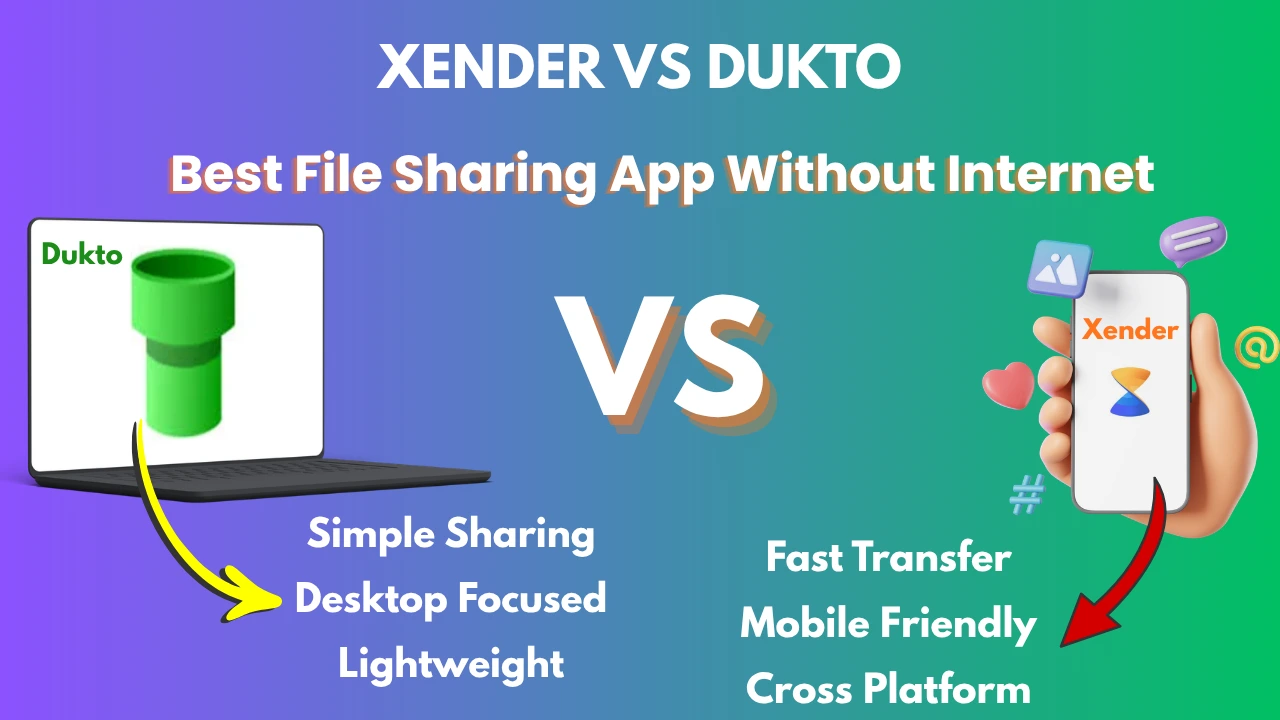
Both tools help users send files quickly. However, they are designed for different types of users. One focuses on mobile convenience, while the other keeps things simple for desktop users.
If you are confused about which one to choose, this detailed comparison will help you make the right decision.
Quick Comparison Table
| Feature | Xender | Dukto |
|---|---|---|
| Mobile Support | Yes | Limited |
| Android Support | Yes | Yes |
| iPhone Support | Yes | Limited |
| Windows Support | Yes | Yes |
| Mac Support | Yes | Yes |
| Linux Support | No | Yes |
| Internet Required | No | No |
| Transfer Speed | Very Fast | Fast |
| User Interface | Modern | Simple |
| App Sharing | Yes | No |
| Media Management | Yes | No |
| Best For | Mobile Users | Desktop Users |
What Is Xender?
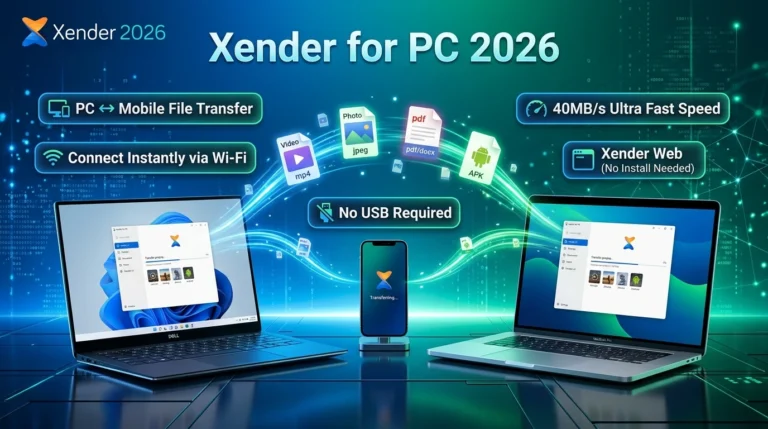
Xender is a popular file transfer app that allows users to share files without using mobile data. It can send photos, videos, music, documents, and apps between devices in just a few seconds.
Millions of users choose Xender because it is easy to use and works on multiple platforms.
Key Benefits of Xender
- Fast file transfers
- No internet required
- Supports Android and iPhone
- Works with Windows and Mac
- Share apps directly
- Send large files easily
- User-friendly interface
What Is Dukto?
Dukto is a lightweight file-sharing tool that focuses on simplicity. It allows devices connected to the same network to exchange files quickly.
Many users like Dukto because it does not require complicated settings or account creation.
Key Benefits of Dukto
- Simple design
- No registration needed
- Lightweight software
- Works on Windows, Linux, and Mac
- Easy drag-and-drop sharing
Xender vs Dukto: Detailed Comparison
1. Transfer Speed
When people search for a file transfer app, speed is usually the first thing they care about.
Xender is known for its fast transfer performance. It is designed to move large files quickly between smartphones and computers.
Dukto also performs well. However, it mainly works through local network connections and is generally preferred for desktop environments.
Winner: Xender
For large videos, apps, and media files, Xender usually offers a smoother experience.
2. Ease of Use
Nobody wants to spend time learning complicated software.
Xender offers a clean interface with clear buttons and simple navigation. Even first-time users can understand how it works.
Dukto takes simplicity one step further. Open the software, select a device, and send files.
Winner: Tie
- Choose Xender for more features.
- Choose Dukto for maximum simplicity.
3. Mobile Device Support
This is one of the biggest differences between the two.
Xender was built with mobile users in mind. It works well on Android devices and also supports iPhones.
Dukto is more focused on desktop users. Mobile support is not as strong as Xender.
Winner: Xender
If you regularly transfer files between phones, Xender is the better option.
4. Computer Compatibility
Many users need to move files between computers.
Dukto supports:
- Windows
- Linux
- macOS
Xender supports:
- Windows
- macOS
- Android
- iPhone
Winner: Dukto
Linux users may find Dukto more useful.
5. Features and Tools
A file-sharing app should offer more than just file transfers.
Xender Features
- File transfer
- App sharing
- Media management
- File organization
- Cross-platform support
Dukto Features
- File transfer
- Text message sharing
- Simple network sharing
Winner: Xender
Xender offers more tools for everyday users.
6. User Experience
Many users prefer software that looks modern and feels easy to use.
Xender has a colorful and attractive design. Everything is clearly organized.
Dukto follows a minimal style. It focuses on function instead of appearance.
Winner: Xender
Most beginners will find Xender easier and more engaging.
7. Security and Privacy
Both tools transfer files directly between devices. This reduces the need for cloud storage services.
Dukto is popular among users who prefer simple local transfers.
Xender also provides direct device-to-device sharing without requiring large file uploads.
Winner: Tie
Both options are good for local file transfers.
When Should You Choose Xender?
Choose Xender if you:
✅ Use Android phones regularly
✅ Need to share files with friends and family
✅ Want fast file transfers
✅ Transfer apps between devices
✅ Need support for multiple platforms
✅ Prefer a modern interface
When Should You Choose Dukto?
Choose Dukto if you:
✅ Mainly use Windows or Linux computers
✅ Prefer lightweight software
✅ Want a simple file-sharing tool
✅ Do not need extra features
✅ Use local network transfers frequently
Pros and Cons
Xender Pros
- Very fast transfers
- Mobile-friendly
- Supports multiple devices
- Easy to use
- Rich feature set
Xender Cons
- More features may feel unnecessary for some users
Dukto Pros
- Lightweight
- Simple interface
- Easy setup
- Good desktop support
Dukto Cons
- Limited mobile experience
- Fewer features
Final Verdict: Xender vs Dukto
If your main goal is fast, easy, and flexible file sharing, Xender is the better choice for most users.
It supports smartphones, computers, large file transfers, and multiple operating systems. The interface is simple enough for beginners while still offering useful features for advanced users.
Dukto remains a great option for people who mainly work on desktop computers and want a lightweight file-sharing solution.
Overall Winner: Xender 🏆
For everyday file sharing, family use, student needs, office transfers, and cross-device compatibility, Xender provides a better overall experience.
FAQ
Is Xender faster than Dukto?
In most situations, Xender provides faster transfers, especially when sending large files between mobile devices.
Does Xender need the internet?
No. Xender can transfer files without using mobile data or an internet connection.
Can Dukto transfer files between phones?
Dukto has limited mobile support compared to Xender.
Which app is easier for beginners?
Both are simple, but Xender offers a more user-friendly interface for new users.
What is the best alternative to Dukto?
Xender is one of the best alternatives to Dukto for users who need mobile and cross-platform file sharing.
“`html “`