How to Share and Install Popular APKs Offline (Complete 2026 Guide)
Are you struggling to get the latest Pikashow APK download or a GBWhatsApp update because your internet is painfully slow? It’s frustrating when a 100MB file takes an hour to download, or worse, when you’re running low on mobile data and can’t afford to waste your limited plan. If your friend already has the app on their phone, you do not need to redownload it and waste your time and data.
As per my experience, repeatedly downloading large APKs is a waste of time and money. I have a simple solution: offline APK sharing. By using Xender, you can move trending apps like Insta Pro or Vedu APK from one phone to another in seconds without using a single KB of mobile data.
In this guide, I’ll show you exactly how to share and install popular APKs offline by using “Xender APP” so you can stay updated without the downloading struggle and waste of time.
Why Offline Sharing is a Game Changer in 2026
Even with 5G becoming common, offline sharing is still the “Pro” way to handle apps. Here is why I always prefer it:
- Zero Data Costs: You save your “load” for actual browsing or gaming.
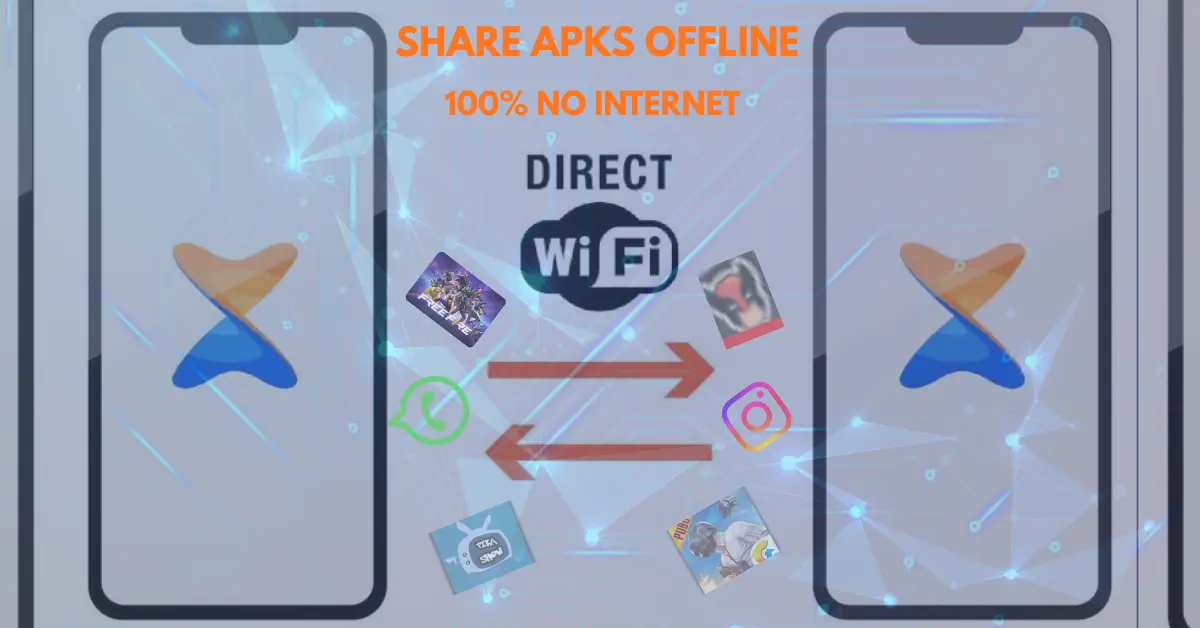
- Insane Speed: Xender uses Wi-Fi Direct. It is roughly 200 times faster than Bluetooth.
- No “Server Busy” Errors: Sometimes the official download links are slow or down. Sharing phone-to-phone bypasses the internet entirely.
- Perfect for Groups: If five friends want the same game, you can send it to all of them at once.
How to Transfer APK Files (My Step-by-Step Method)
I’ve tested this method on the latest Android versions. It’s the most reliable way to ensure the APK installs correctly on the first try.
Step 1: Open Xende. Lunch Xender on both devices. Make sure your Wi-Fi and Bluetooth are “On” (Xender needs these to build a private connection “tunnel”).
Step 2: Select Your Apps. On the sender’s phone, go to the “App” tab. You’ll see a list of everything installed. Select the ones you want—for example, GBWhatsApp or Vedu.
Step 3: Connect via QR code. Tap “Send” on your phone. A QR code will pop up. On the other phone, tap “Receive” and scan that code.
Step 4: The Transfer. The files will fly across. Once the progress bar hits 100%, you are ready for the final step.
Step 5: The Installation. Tap the file and click “Install.” If your phone says “Install blocked,” go to your settings and allow “Install from Unknown Sources.” Since you got this from a friend you trust, it’s safe to proceed.
Trending APKs People Are Sharing Right Now
Based on my research into current traffic trends, these are the apps most people are looking to share offline to save data:
- Insta Pro APK: This is a modified version of Instagram with extra privacy features. It’s a medium-sized file (~75MB).
- GBWhatsApp (2026 Update): The most popular WhatsApp mod. Since it updates frequently, sharing the APK offline is much faster than redownloading every week.
- Pikashow APK: A very small file (~15MB) but very popular for streaming.
- Vedu APK: A heavy entertainment app (~120MB). This is the one where you save the most data by sharing offline.
A Real Talk on Safety
As an expert blogger, I have to be honest with you. While sharing APKs is easy, you have to be smart about it.
- Trust the Source: Only accept an APK if you know the person sending it. Never take a finance or banking APK from a stranger.
- Use a Scanner: I always recommend having a basic mobile antivirus. Scan the file after the transfer, but before you click install.
- Keep Play Protect On: Don’t disable Google Play Protect. It acts as a final safety net for your device.
Why Offline Sharing is Exploding
We are seeing a huge jump in “Offline Sharing” searches. Why? Because file sizes are getting bigger. A few years ago, an app was 20MB. Now, apps like Vedu or high-end games are 200MB to 1GB. In areas where the internet is expensive or slow, Xender isn’t just an app—it’s a necessity.
Final Thoughts
Moving your favorite apps like Pikashow or Insta Pro doesn’t have to be a data-draining task. By using the Xender method, you’re acting like a “Power User”—saving money, saving time, and keeping your storage organized.
If you found this guide helpful, check out my other posts on xenderpro.in where I dive deep into more hidden Xender features!
If you encounter any issue using the Xender app, learn this article. “Xender not working? 7 Fixes.“